After placing 3rd at a UC Berkeley designathon sponsored by GoodNotes, I continued developing this concept independently — exploring how real-time collaboration could live directly inside the note-taking experience.
Introduction
GoodNotes excels at individual note-taking, but when students need to collaborate during class, they're forced to leave their notes and switch to separate tools — Google Docs for synthesis, messaging apps for coordination — all while trying to maintain their personal work.
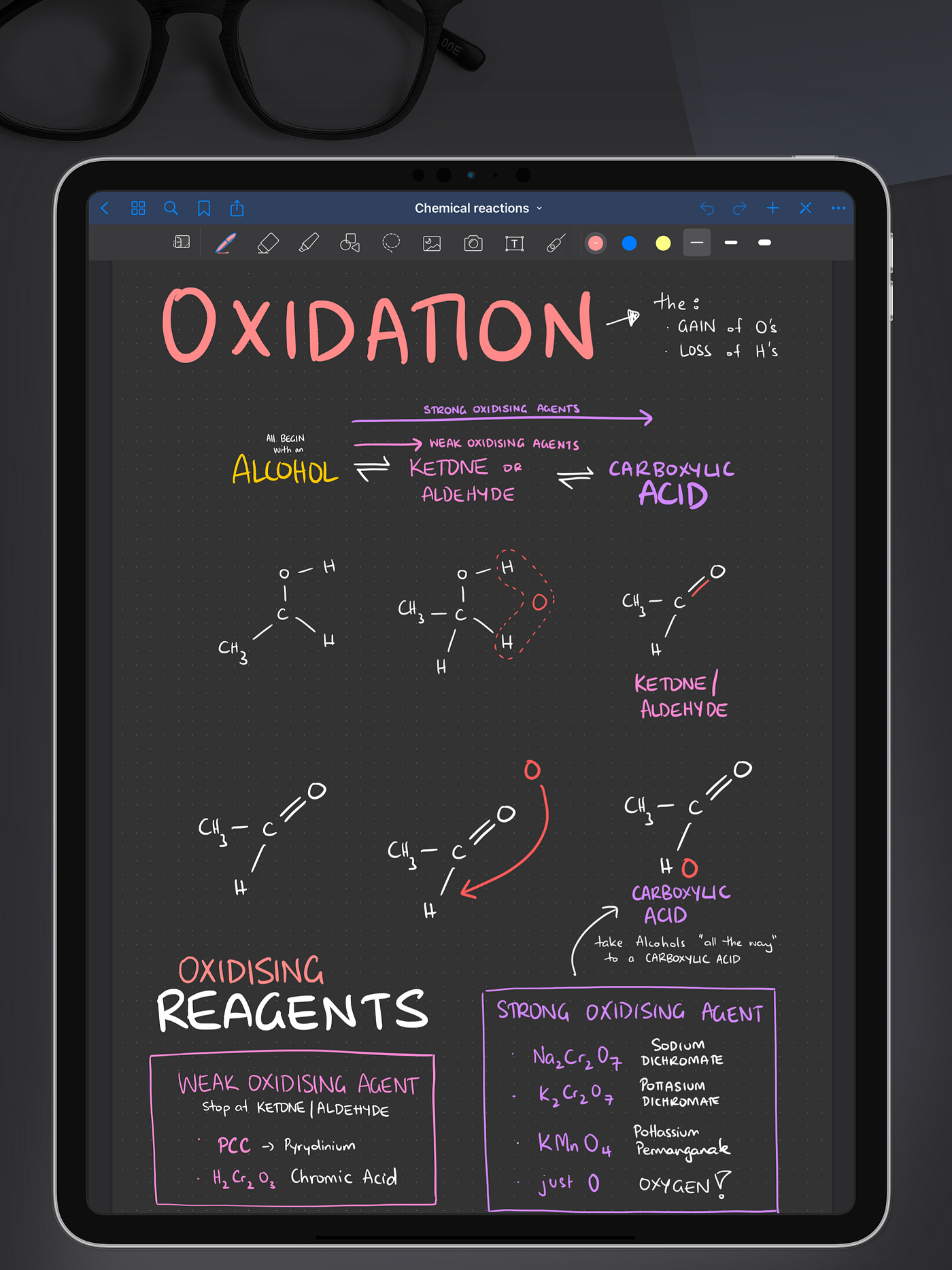
What if collaboration happened directly inside GoodNotes? This concept focuses on real-time, in-class collaboration during breakout sessions — whether students are working together in person or joining remotely during hybrid learning.
The problem
The result: too many context switches, personal work disconnected from the group, and no way to see individual contributions.
In-class group work asks students to think independently, coordinate with peers, contribute visibly, and synthesize ideas quickly — all at once. Most digital tools aren't designed for that reality. During a typical 45-minute breakout, students juggle three disconnected surfaces:
- iPad – GoodNotesfor personal notes and work — but that work stays isolated and doesn't integrate with the group, forcing constant switching.
- Laptop – Google Doc for group synthesis and editing — but it gets cluttered fast, with unclear ownership and edit collisions.
- Verbal discussion while managing both screens — ideas get lost as focus splits between talking and typing.
Collaboration ends up feeling uneven and inefficient, even when students want to participate.
Research
I synthesized the survey findings through affinity mapping, which surfaced four key insights that shaped everything downstream.
20+
Students surveyed across lecture and discussion classes
5
Educators surveyed across lecture and discussion classes
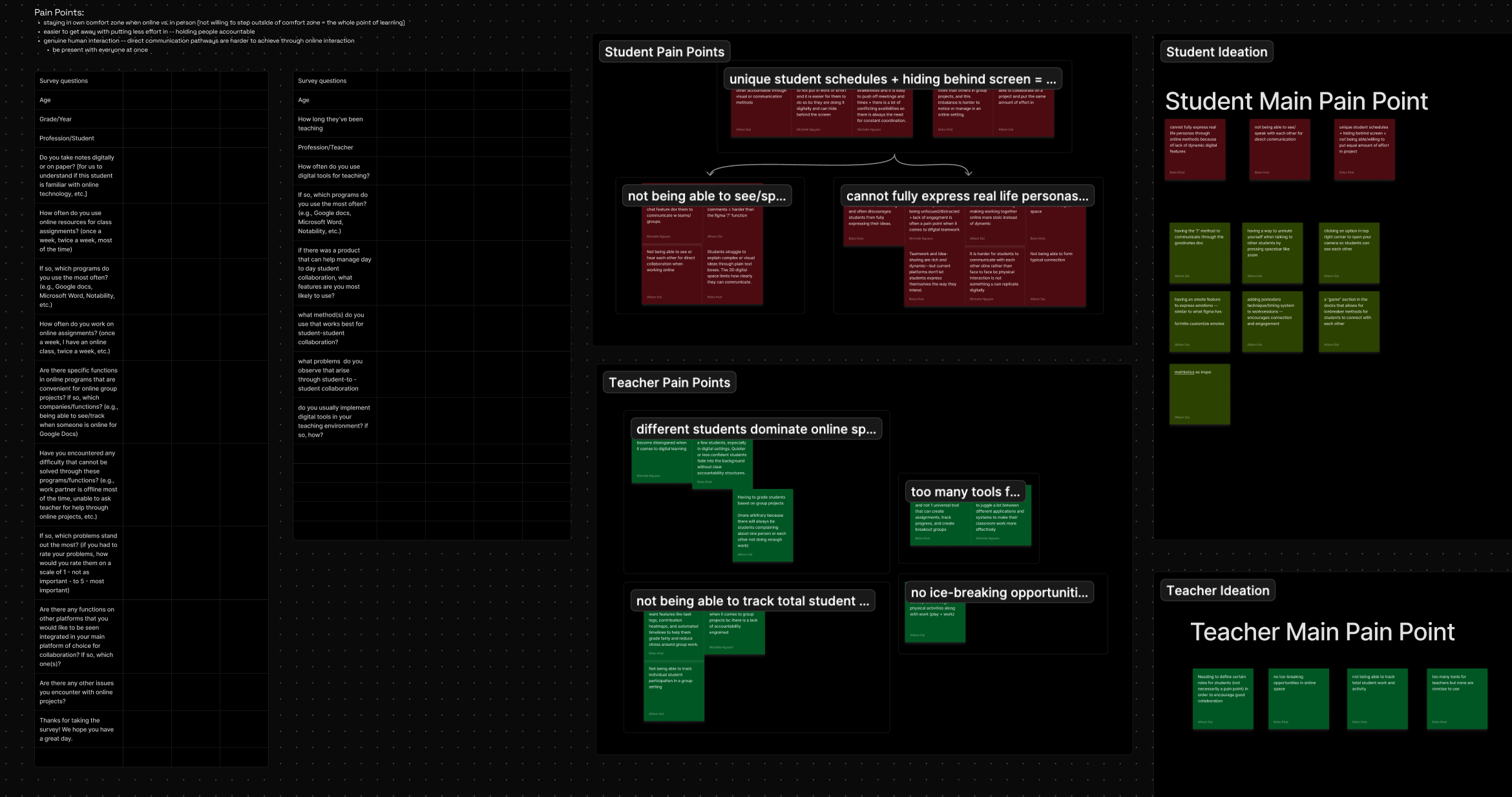
- Collaboration is fragmented — students frequently switch between note apps, shared docs, and chat tools during a single class session.
- One shared page doesn't scale — groups larger than 3–4 struggle with clutter, edit collisions, and unclear ownership.
- Independent thinking still matters — students prefer to work through ideas privately before contributing to shared space.
- Visibility changes behavior — but adds pressure — seeing progress encourages participation, but constant visibility increases anxiety.
“I like working things out on my own first. Once it's on the main page, it feels permanent.” — Student participant
“There are too many tools that I have to juggle with if I want to create, track, and grade work.”— Educator participant
Design process
I killed my team's designathon idea
Our designathon concept placed 3rd with a student archetype system — roles and personalities that shaped how students collaborated. When I continued the project independently, I pressure-tested that direction and realized archetypes solved for identity, not workflow. The real friction was structural: too many tools, no shared space, no synthesis path.
Reframing around collaboration mechanics
Rather than designing systems to manage student behavior, I focused on the mechanics: how students enter a session, how they work independently, how they coordinate, and how they synthesize ideas. I intentionally scoped this to real-time, in-class collaboration with student-to-student coordination — lightweight structure over enforcement, which kept the concept aligned with GoodNotes' canvas-first identity and avoided over-engineering.
What I chose not to solve
Some findings — like the lack of in-person energy, no ice-breaking opportunities, and the desire for casual chat — reflect social and behavioral dynamics that a tool can't fully address. I kept this concept focused on the structural problems: fragmented tools, unclear contributions, and chaotic synthesis.
Feature prioritization
Core experience: individual work tabs and a shared synthesis canvas. Supporting features: presence indicators, contextual comments, and a focus timer with tasks. An opt-in contribution visibility toggle came last, as an optional enhancement — the foundation needed to be solid before adding any accountability layer on top.
Final solution
Group Canvas is a live, in-class collaborative note experience designed around presence, structure, and synthesis, all within the GoodNotes canvas.
Land on the shared workspace
Students accept a Group Canvas invite and land on the shared workspace, immediately seeing their group members and the main canvas — establishing context from the start.
Set a timer, assign tasks
The group sets a timer and assigns tasks with clear ownership. Self-pacing was considered, but 50-minute class windows mean groups need structure to stay on track — they can set a duration, add tasks, assign them to individuals or the group, then start.
Work in individual tabs
Each student works in their own tab — visible but protected from others editing. Presence indicators show who's active (green = online, yellow = idle). Research insight: students prefer working through ideas privately before sharing, while still maintaining group awareness.
Coordinate with contextual comments
Students use comments to coordinate without interrupting each other's flow. Comments are anchored to specific work — on tabs or the main canvas — keeping coordination contextual rather than scattered across chat threads. All members can see and resolve comments once they're addressed.
Synthesize onto the shared canvas
Students complete tasks and move their contributions to the shared canvas: mark complete → select key content → add to canvas. Contributions appear in real time as others finish. Research insight: “one shared page gets chaotic past 3–4 people” — work stays organized because students synthesize intentionally rather than everyone editing simultaneously.
Reveal authorship, opt-in
An opt-in toggle reveals color-coded authorship when needed — off by default for a unified view, on for clear attribution when accountability matters. Research insight: visibility encourages participation but creates pressure, so making it opt-in balances both needs. Teachers can use it for grading and students can verify contributions, without constant social pressure.
Design decisions
Intentional choices were made to balance collaboration effectiveness with user comfort — prioritizing user agency over behavioral enforcement, reflecting the research finding that students need both structure and autonomy.
- Privacy by default — contribution visibility defaults to off. Students control when attribution matters.
- Flexible structure — tasks can be assigned individually or to groups. The timer provides pacing without enforcement.
- Selective transparency — presence indicators show activity, not surveillance. The contribution toggle only activates when needed.
Next steps
If taken further, I'd validate this concept through classroom testing with 10–15 students completing real group assignments, including a few open questions I'd want to answer:
- Does opt-in visibility reduce pressure while maintaining accountability?
- Do individual tabs support diverse working styles effectively?
- Does the shared canvas stay organized as contributions accumulate?
- Which features get adopted versus ignored?
- When contribution is unequal, does privacy-by-default hide the problem — or does the system surface it constructively?
- Students noted that typing feels like extra work — would voice notes or quick reactions reduce friction in coordination?
Industry insight
A user researcher at GoodNotes drew a direct comparison between Group Canvas and their education product: their product uses a teacher-hierarchy model, while Group Canvas takes a peer-to-peer approach — a deliberate choice based on how students actually collaborate in breakout sessions.
Reflection
Moving from “how do we get students to contribute?” to “how do we support independent thinking within group work?” changed everything — and it taught me to design for how people actually collaborate, not how I think they should.
This project reinforced that collaboration isn't just about connecting people — it's about designing how they work together. Early iterations focused on encouraging participation through gamification and visibility, but research revealed students didn't need motivation; they needed structure that respected how they actually think and work.